Track your sales
See what you earned, what agents asked, and which of your passages answered them.
Two places show your sales: the Dashboard, for all your datasets together, and each dataset's Analytics tab.
Your dashboard
The panel at the top sums up every dataset you sell, in four figures:
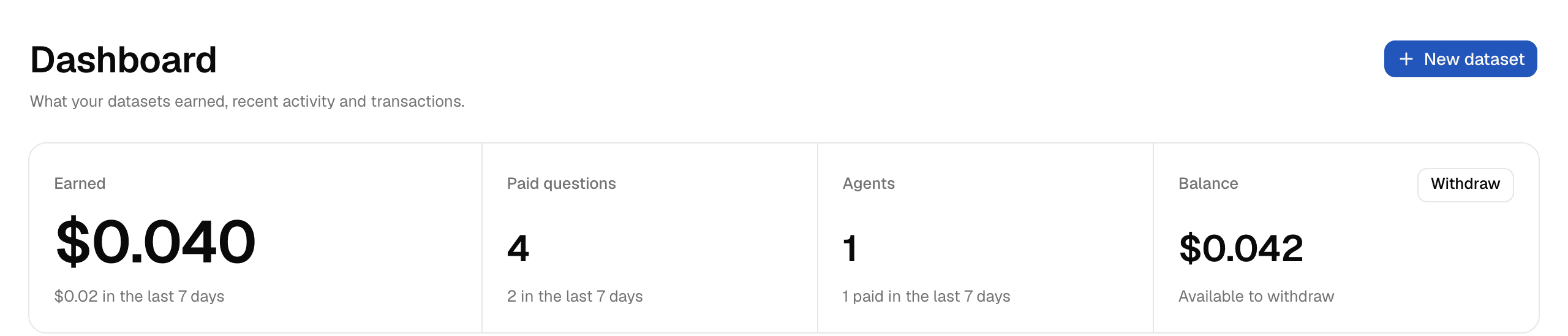
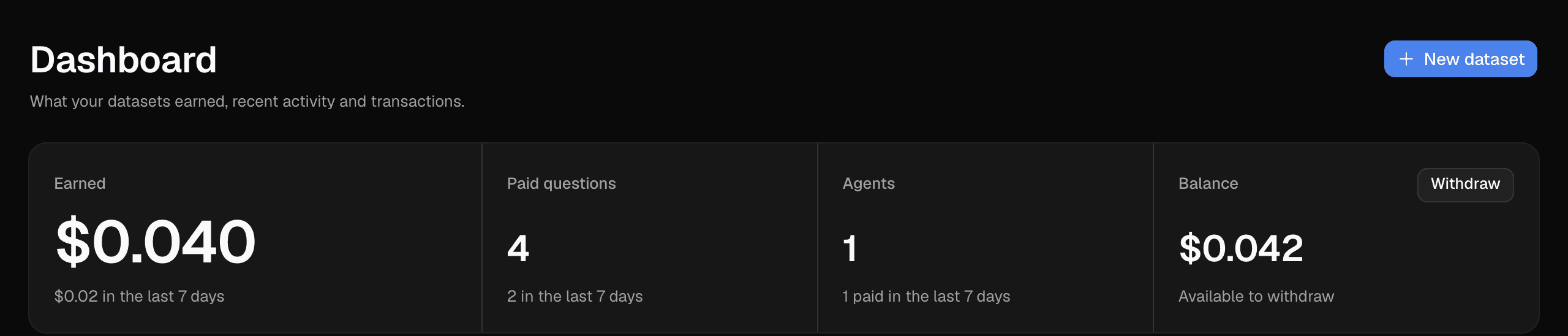
- Earned: everything agents have paid you, all time.
- Paid questions: how many questions they paid for, all time.
- Agents: how many different agents paid you, counted by the wallet they paid from.
- Balance: what's in your wallet right now, ready to withdraw. See Get paid.
Under Earned, Paid questions, and Agents, a line says what the last 7 days added, for example "$0.02 in the last 7 days". If you also had sales in the 7 days before, a second line shows the change, for example "+18% vs the previous 7 days".
Until you have a dataset or a sale, the Dashboard shows the steps to publish your first dataset instead of the panel. Your Balance still shows if your wallet couldn't be set up or already holds money.
Below the panel:
- Datasets lists each dataset with its status (Draft, Preparing files, Ready to publish, Live, or Needs attention) and what it has earned, or, for a free dataset, how many questions it answered. If you deleted a dataset that had sales, a Deleted datasets line at the end adds them up: they stay in your totals and under Recent payments.
- Activity charts the last 30 days.
- Recent payments shows your latest 20 payments: When, Dataset, Type, Earned, Paid by, and a Receipt link to the payment's public record.
- Withdrawals, once you've made one, shows your latest 10, each Sending, Sent, or Failed. See Get paid.
The panel counts paid questions only. If your datasets answered questions for free, a line under it says how many.
Once you have a subscriber, a line under the panel splits the totals in two, for example "Per question: $4.20, 5 questions, 3 agents. Subscriptions: $11.80 before Stripe fees, 40 questions, 2 subscribers." Recent payments also lists subscription payments, with Subscriber under Paid by instead of a wallet: a subscriber's identity stays private.
A dataset's analytics
Open a dataset and choose Analytics to see the same panel for that dataset alone: Earned, Paid questions, Agents, and Response time (how long quarry took to answer, on average).
Under Recent questions, each row is a per-question sale: When, the Question itself, Answered by (the file, page, and passage that came first), what you Earned, and a Receipt. Click the passage to open it in its file.
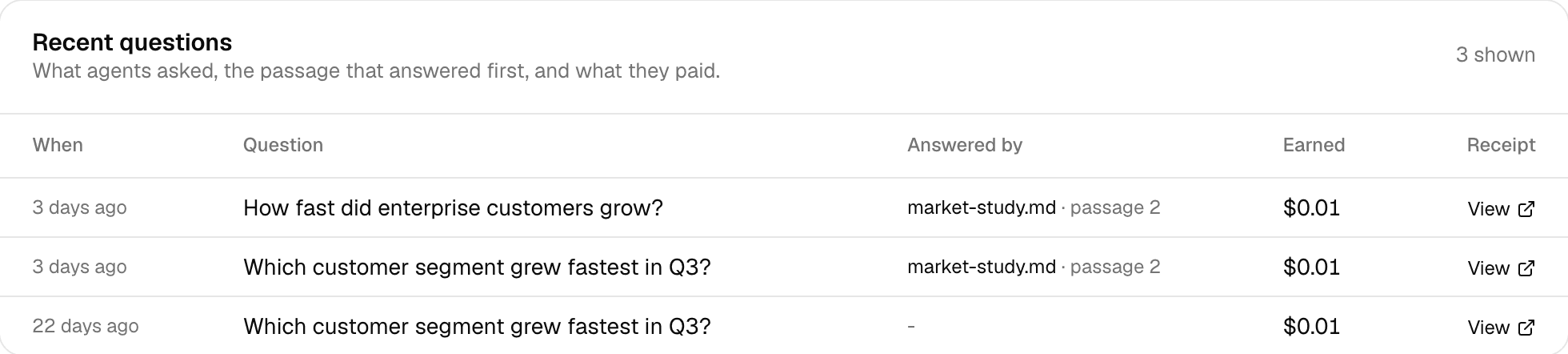
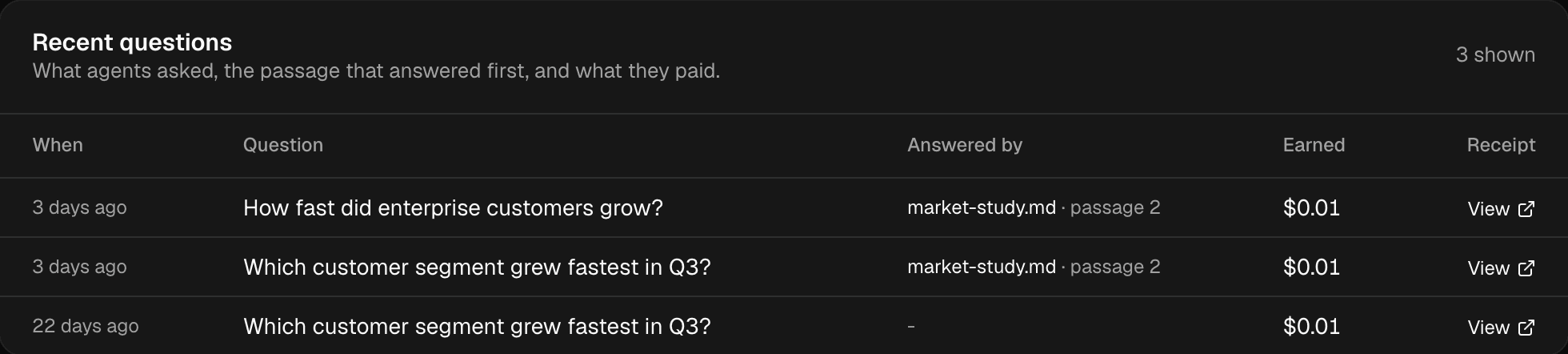
Recent questions shows what agents want from your files. If the same kind of question keeps coming back, the files that answer it are the ones to keep current, and the place to add more.
Questions without an answer
When no passage in a dataset answers an agent's question, the agent gets no answer and pays nothing. quarry counts these questions for each dataset, but never keeps the questions themselves.
When there are some, a dataset's Analytics tab shows how many in the last 30 days, under Questions without an answer.
If the count keeps growing, say in the dataset's description what your files cover, so agents ask what they can answer, or add files that cover more of your topic. Questions you ask yourself, in the Agent question preview or from your own account, don't count.
Which passages get used
On the Files tab, the table view's Answers column counts the answers that used each file: sold per question, free, or through a subscription. Open a file to see a "Used in 3 answers" badge on each passage that was used.
What you see about buyers
Recent questions shows the first 500 characters of the question behind each per-question sale, with the amount and its receipt. That text is erased 12 months after the question; the payment stays. Questions asked of a free dataset or through a monthly subscription count in the "Used in" badges, but you never see their text. Payments on Base, like the wallet that made them, are public.
To move what you've earned out of your wallet, see Get paid.